<h1>Your MacBook, <br/>Fully Connected.</h1><h2>                                           </h2>

Your MacBook,
Fully Connected.

Explore the ProDock range, vertical docking stations built for every kind of MacBook Pro and Air.

Three docks. One family.

Brydge ProDock SoloBrydge ProDock Solo
Entry Level Brydge ProDock Solo

For remote workers and students who want instant dock-and-go simplicity.

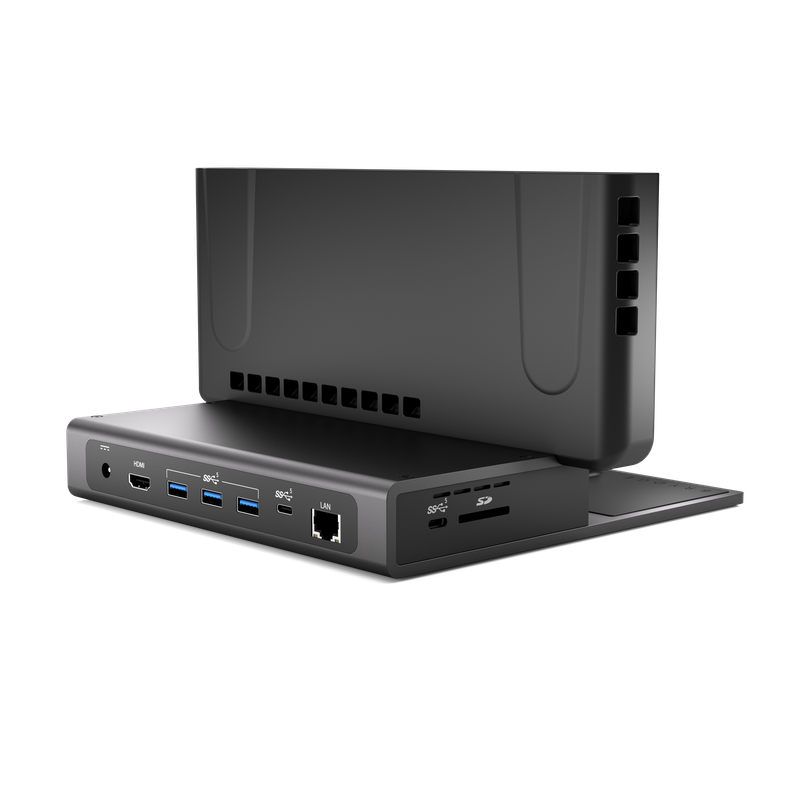
✓ 1 external display — up to 4K@60Hz
✓ 90W laptop charging via USB-C PD
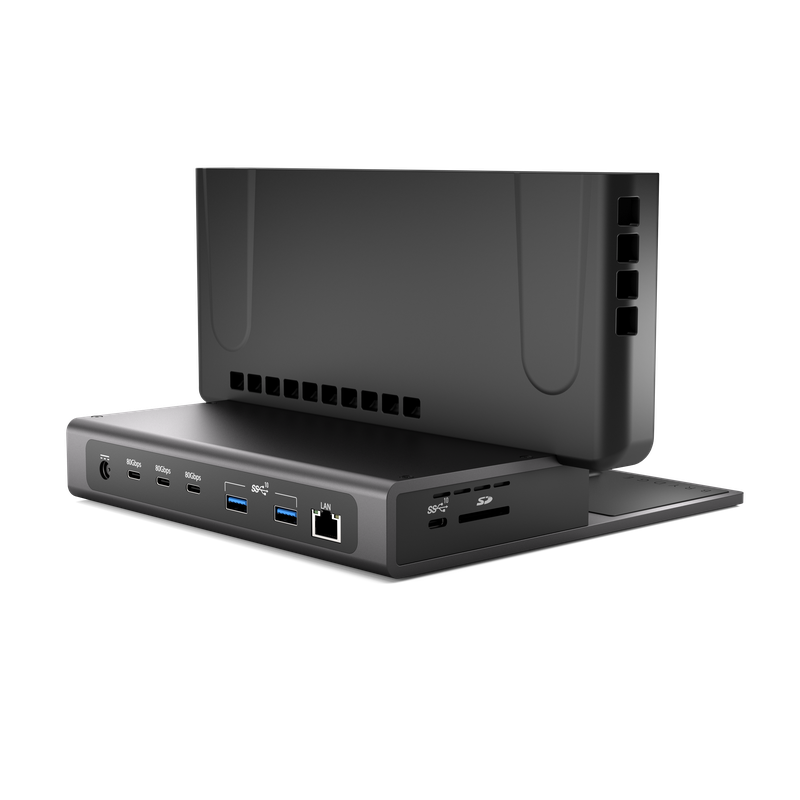
✓ 3× USB-A + 2× USB-C (5 Gbps each)
✓ Gigabit Ethernet · SD 3.0 card reader
✓ 10W MagSafe wireless charging

$229
View ProDock Solo →
Brydge ProDock DuoBrydge ProDock Duo
Professional ProDock Duo

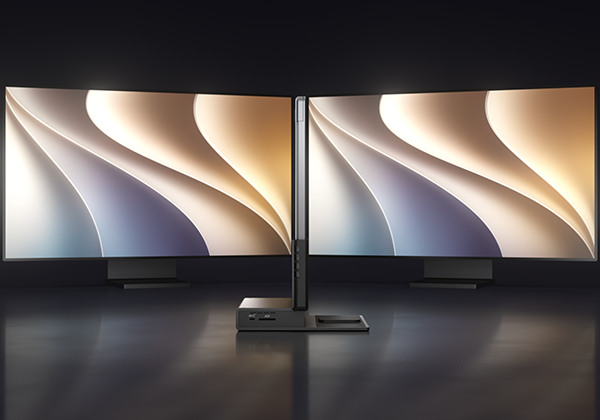
Run two 4K displays with 4× the USB-C bandwidth. No bottlenecks, ever.

✓ 2 external displays — dual 4K@60Hz
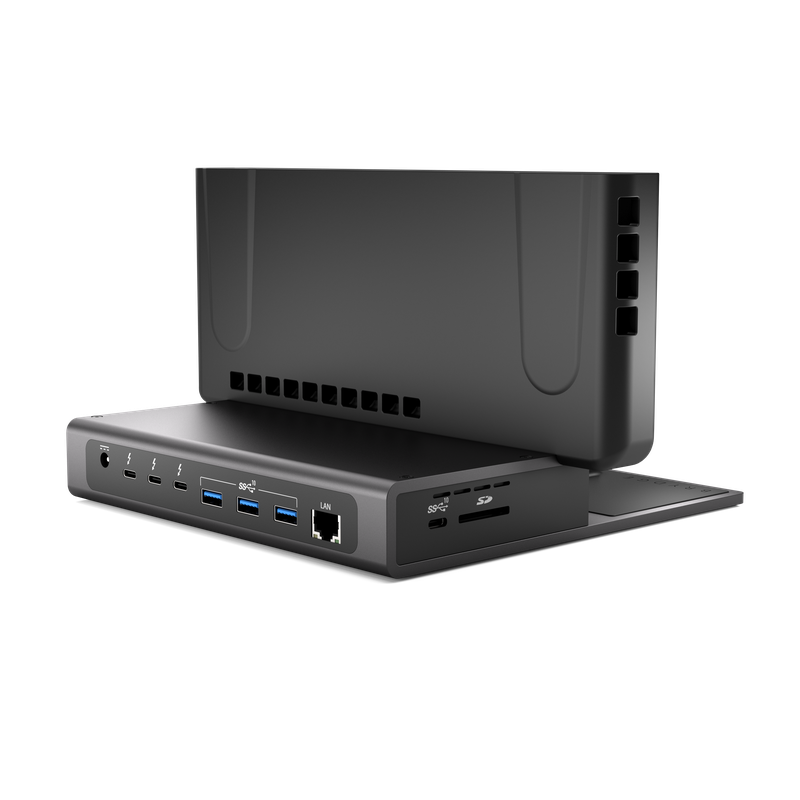
✓ 90W charging · 3× TB4 ports at 15W
✓ 3× USB-A + 1× USB-C (10 Gbps each)
✓ Gigabit Ethernet · SD 4.0 card reader
✓ 10W MagSafe wireless charging

$399
View ProDock Duo →
Brydge ProDock TrioBrydge ProDock Trio
Flagship Brydge ProDock Trio

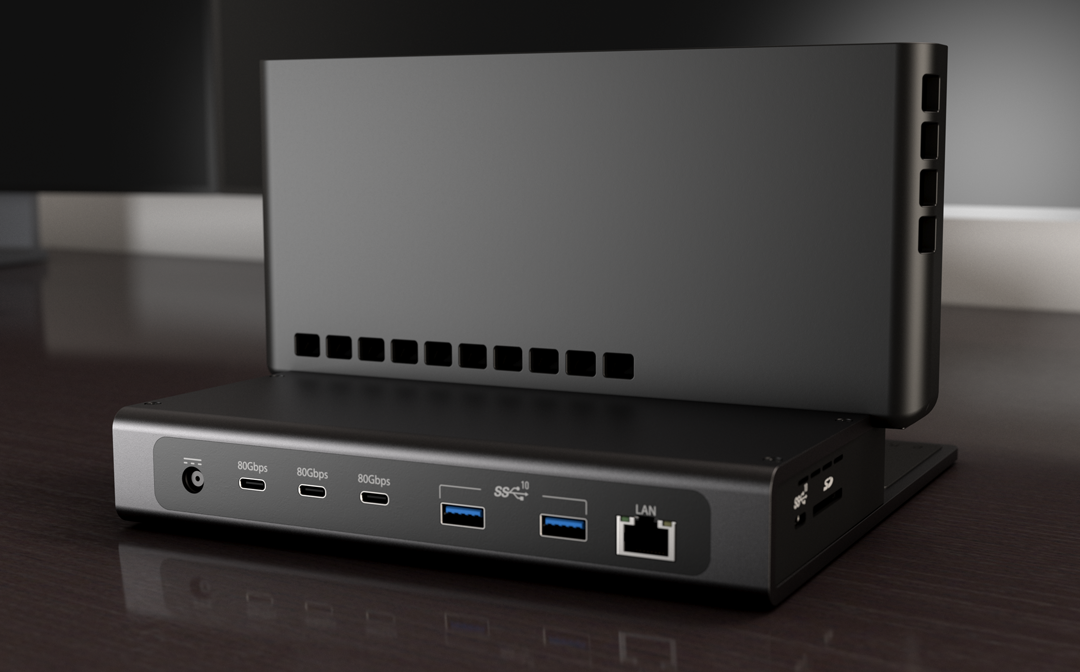
Three displays, 8K, RAID storage, 140W charging — zero compromise.

✓ 3 displays — triple 4K or 2 x 8K@60Hz
✓ 140W laptop charging · TB5 @3×15W
✓ 3× USB-A + 1× USB-C (10 Gbps each)
✓ 2.5 Gbps Ethernet · SD 4.0 card reader
✓ 10W MagSafe wireless charging

$459
View ProDock Trio →

Brydge ProDock Family

Find your ProDock: Solo, Duo, or Trio

Answer a few questions about your MacBook and setup — we'll match you to the right dock, right-sized for how you actually work.

Step 1 of 3

Which MacBook do you use?

Slide In – Power Up

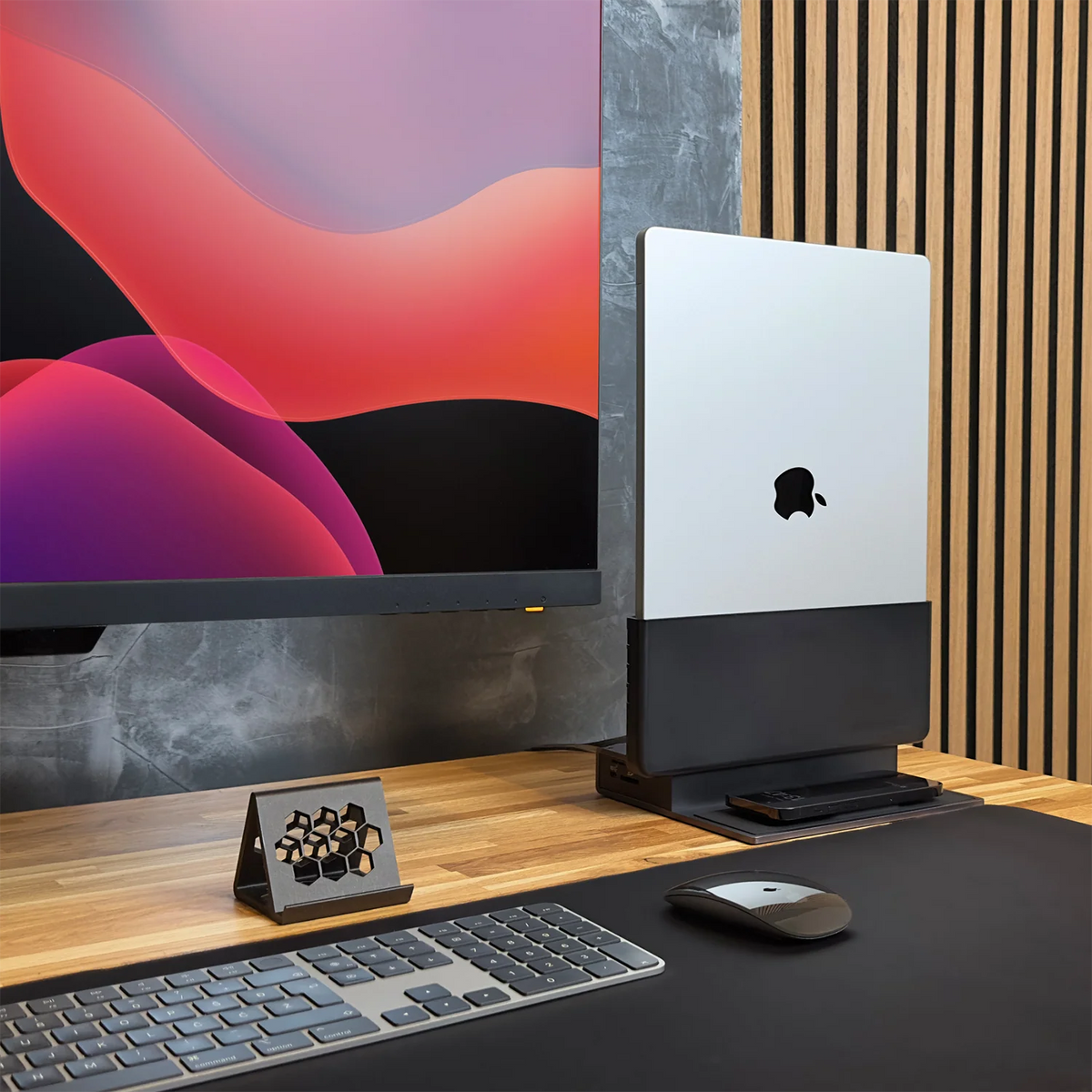
10 ports, dual 4K displays, and up to 90W - all through a single Thunderbolt 4 connection.

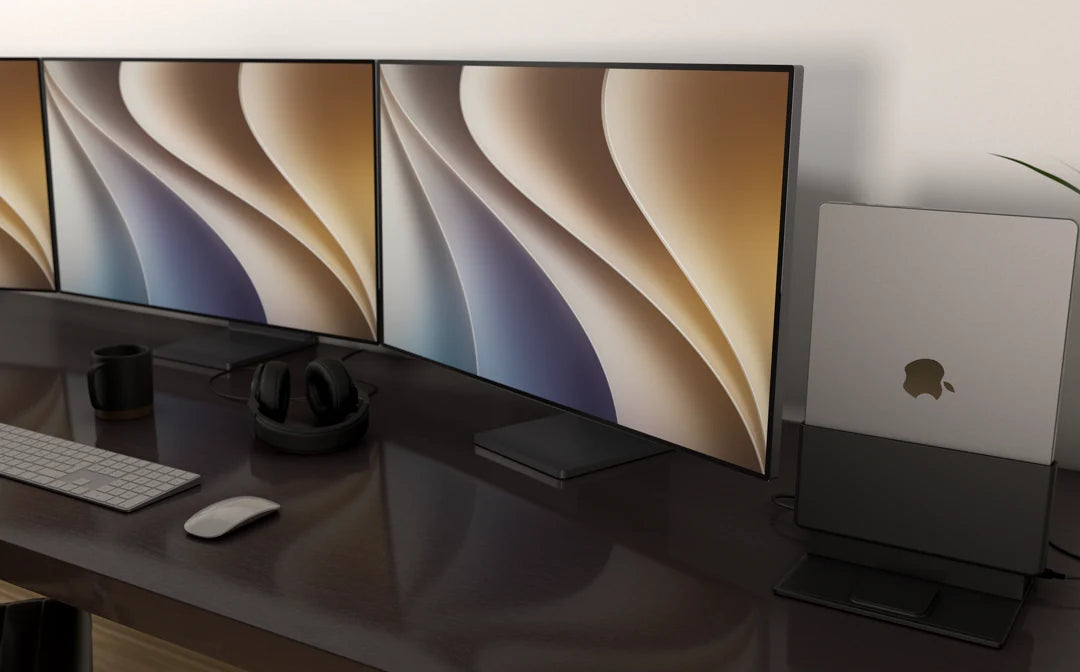
The Desk You Always Wanted

Ten ports. One dock. The ProDock replaces the cable chaos so your workspace looks as good as it performs and the built-in MagSafe charger keeps your iPhone powered up too.